Showing posts with label JazzHub. Show all posts

Friday, August 22, 2014

Git,JazzHub,BlueMix

What is the relationship among of them? Today I will take about this.

Git is a free and open source distributed version control system designed to handle everything from small to very large projects with speed and efficiency. GitHub is online project hosting using Git. Includes source-code browser, in-line editing, wikis, and ticketing.Pls don;t confuse these two concept of these two words.

You have 2 ways to work with your JazzHub project sourced in Git
Git command tool from git:            http://git-scm.com/downloads
EGit Eclipse client eclipse.org:       http://www.eclipse.org/downloads/

Notes:When you install git command tools for windows ,you need to choose to use git from window command promot mode.
After you install the git,you need to do some command after  installation
git config --global user.name "XXXX"
git config --global user.email XXXX@gmail.com
git config --global core.editor notepad.exe

You can use git config --list to list all the configuration of git.

 IBM DevOps Services(Old Name JazzHub) is a place where you can collaborate with others to develop, track, plan and deploy software.Lets see how we fork  a jazzHub project and get project use git.

First I will fork  one project in  JazzHub,
https://hub.jazz.net/project/arzetry/nodeJS-bluemix/overview
Click the  edit code button and it will go to the web edit mode,I click the fork link to one of my project.

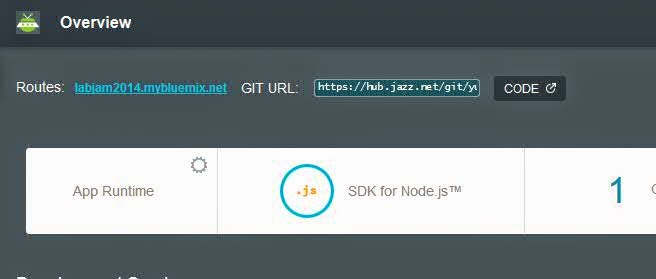
You can use get the git url when you click the Git URL link for this project.
We can use the git client tool to get the code on your local side.
Since  manifest.yml recored the bluemix deployment info,we need to change the previous domain and host.The changes like below.
Use the below  command to submit the changes
git commit -m "change deploy conf"
Push the changes to the jazzhub.
c:\nodeJS>git push origin master
Username for 'https://hub.jazz.net':XXXXX@XXX.com
Password for 'https://XXXX@XXX@hub.jazz.net':
Counting objects: 6, done.
Delta compression using up to 4 threads.
Compressing objects: 100% (3/3), done.
Writing objects: 100% (3/3), 318 bytes | 0 bytes/s, done.
Total 3 (delta 2), reused 0 (delta 0)
remote: Resolving deltas: 100% (2/2)
remote: Processing changes: refs: 1, done
To https://hub.jazz.net/git/blackwhites/nodeJS
   d47f709..14800f3  master -> master
Open the  manifest.yml again in the jazzhub,you can see the content is already changed.

 After you change the code in WEB-UI,you need to commit the changes on the git.


If you don;t have git client tools you can directly edit the file on the jazzhub web UI.Everytimes when you finish the changes,you need to request a deploy, after that you can see the deployment status.


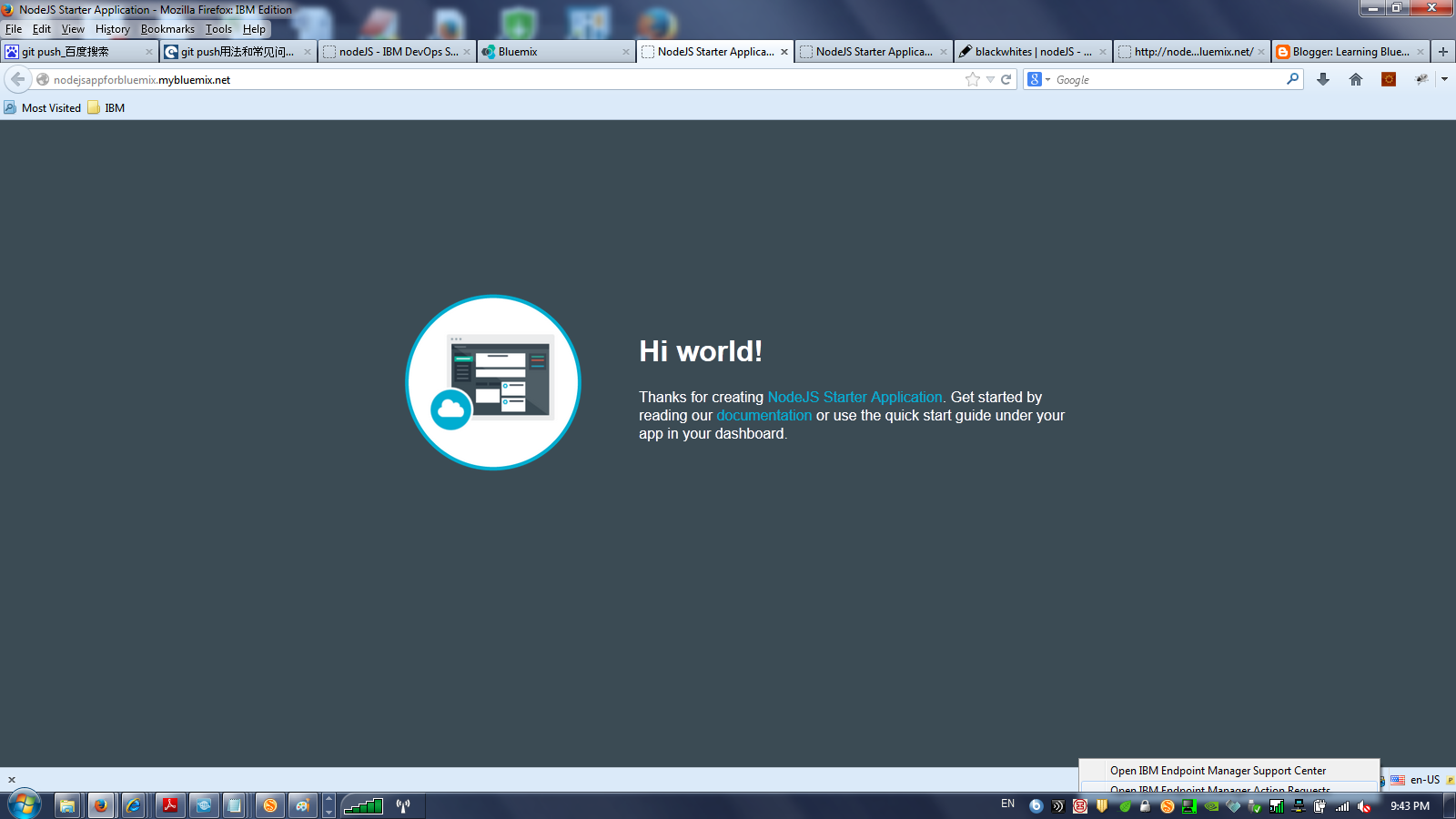
I go  the bluemix category site,I can directly see the application has already been deployed and also been integrated with GIT.Lets see the application how it look like.
Congulation, you have a basic learn how git,jazzhub,bluemix work together to build a strong collaboration platform to deploy your application.

Monday, August 4, 2014

How BlueMix integrated with JazzHub?

There are some new video about BlueMix released on the YouTube.You can learn key aspects of IBM BlueMix strategic technologies.
Rachel Reinitz, Distinguished Engineer and CTO for IBM Bluemix Garage, has three new videos about Bluemix:
BlueMix can full use of Jazz hub feature to manage and deploy your code . I made node.js project as sample .

1.First create node.js project from BlueMix
2.After create the project,you can see a add git button.
3.When click the add git button,it will let you input your jazzhub IBM id.

4.It will prompt you to create git Repository.
5.You will see the Success info.
6.You can see the application page,the page has already integrated with GIT.
7.Click the code button,you can enter the project code edit mode.
8.You can use configure button to change the deploy parameter for the BlueMix.

Monday, May 19, 2014

Three ways to deploy your applications on BlueMix

If you are a newbie,you might not be clearly all three ways to deploy your applications on BlueMix. Today I will talk about these three tools a little bit.
Developers have the freedom to choose the development tools that work best for them. Developers don’t always want to work with the same tool sets and BlueMix provides several options, including the following:

• Command line: The Cloud Foundry (CF) command line provides integration for developers that prefer coding without an integrated development environment (IDE). This is also helpful for developing automation scripts with BlueMix. The CF application programming interfaces (APIs) can be integrated with multiple languages, frameworks and services.

• BlueMix for Eclipse Kepler Beta: Since Eclipse is widely used by developers, they can continue to use the tools with which they are comfortable.This plug-in expose some of the unique features of the Liberty buildpack such as deploying a Liberty packaged server. In addition, support for deploying node.js applications allows you to target your JavaScript project, and then deploy and run your server side JavaScript application in the Cloud.

•IDS(IBM DevOps Services): The cloud-based software development service(the former name is jazz hub) is based on IBM's software development tool Rational Team Concert.Developers can work with the IDS using web IDE to edit the code online and  provide  automatically deployment to BlueMix . It also provide integration to several source control management (SCM) systems like Git, GitHub and Jazz SCM.

I will blog  three tools details in the next few days.